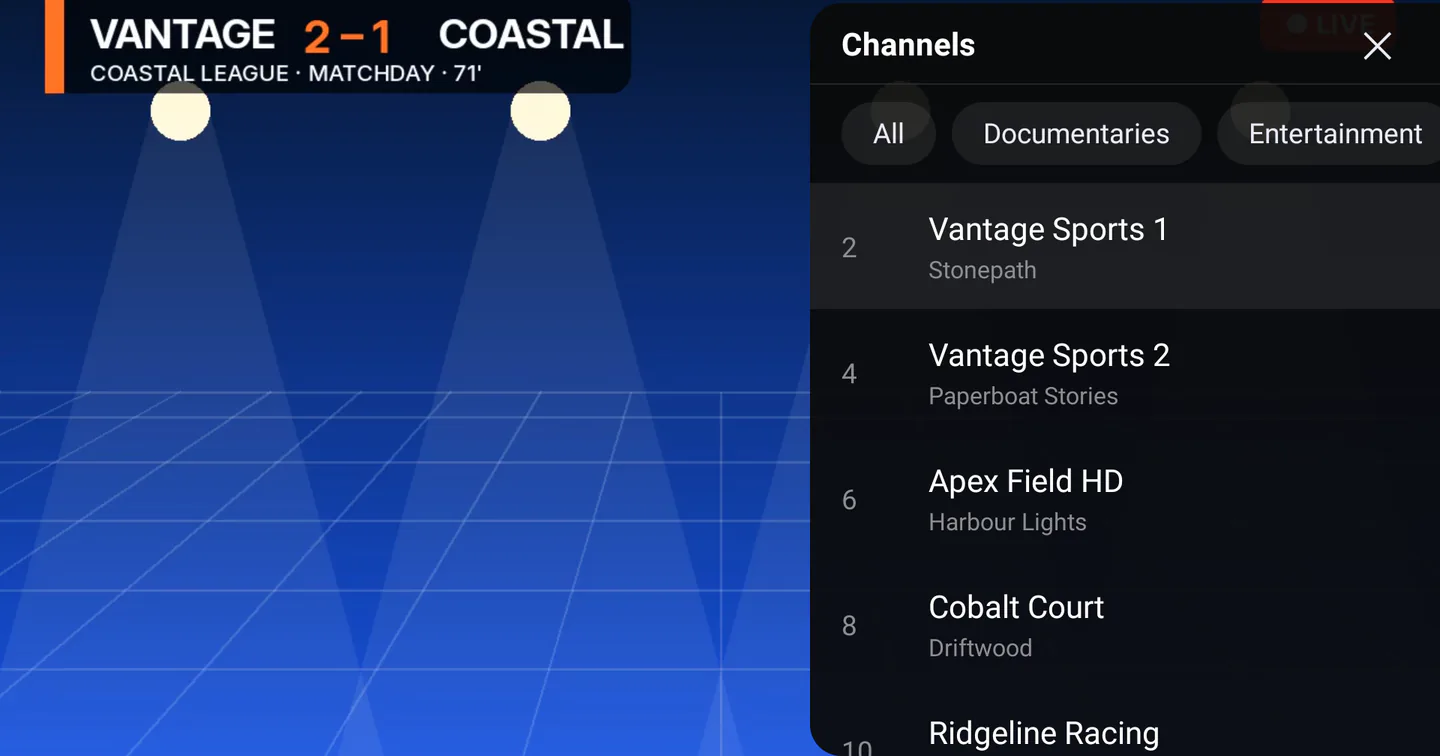
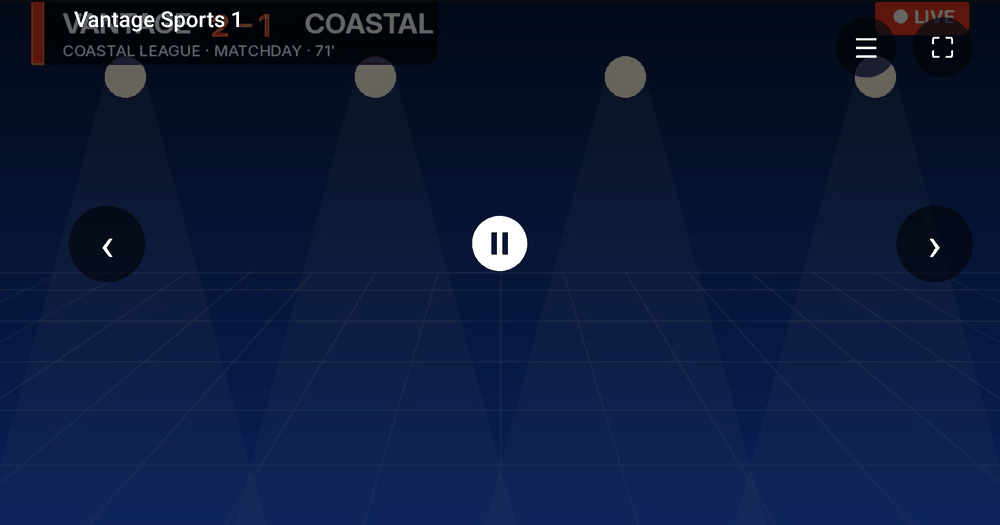
A clean, fast IPTV player that gets out of your way — and keeps your data yours.
Every screen, synced
iPhone, iPad, Apple TV, Mac, Android, Android TV, Fire TV and Windows. Sign in once and your favorites and settings follow you everywhere.
Fast & fluid
Smooth playback up to 4K with instant channel switching and a remote-friendly interface on the big screen.
Private by design
Your IPTV portal credentials stay on your device. Turn on cross-device sync and they are encrypted before they ever leave it. Read the full privacy policy.
Favorites & playlists
Star the channels you love and build custom playlists for quick access on any device.
Resume anywhere
Optional accounts remember your watch history so you can pick up right where you left off across devices.
Works with your provider
M3U and M3U8 links, Xtream Codes logins, and Stalker, MAG or Ministra portals. Streamora is the player — you choose the source.
How it works
Three steps to your channels
Streamora is a player, not a TV service. You bring the subscription; we make it watchable on every screen.
What you need before you start
An active subscription with an IPTV provider. Streamora does not sell subscriptions and does not include any channels — if you do not already have a provider, the app will have nothing to play.
Install Streamora
Pick your device below. Every edition is free, with no ads and no in-app purchases.
Add your provider
Paste an M3U link, an Xtream Codes username and password, or a Stalker/MAG portal URL and MAC address. Streamora checks the connection before saving, so you know straight away if a detail is wrong.
Watch anywhere
Your channels, movies, series and TV guide appear organised and ready. Sign in and the same setup syncs to your other devices.
Download
Get the Apps
Free on the App Store, Google Play and the Microsoft Store, plus a direct download for Fire TV. No ads, no in-app purchases.
Streamora IPTV Player
iPhone & iPad
The full Streamora IPTV experience on iOS — built for iPhone and iPad.
Not on the Amazon Appstore — you install this one yourself. Open the
Downloader app on your Fire TV and enter
github.com/geeksnet22/iptv-streamer-firestick-releases/releases/latest,
then pick the APK. You will need to turn on apps from unknown sources
under Settings → My Fire TV → Developer Options.
Questions
Frequently asked
The things people ask before they install.
Does Streamora come with channels?
No. Streamora is a player, in the same way a music player is not a record label. It has no channels of its own and sells no subscriptions. To watch anything you need an active subscription with an IPTV provider, who gives you an M3U link, an Xtream Codes login, or a portal URL and MAC address.
Is it really free?
Yes — every edition, on every platform. No ads, no in-app purchases, no trial that expires.
Which provider formats work?
M3U and M3U8 playlist URLs, Xtream Codes compatible logins, and Stalker, MAG or Ministra portals using a MAC address. You can add several providers and switch between them.
Do I need an account?
Only if you want your providers, favorites and watch history to sync between devices. Without an account Streamora works fully — everything simply stays on that one device.
Where are my provider credentials stored?
On your device. If you never sign in, they never leave it. If you switch on cross-device sync, your provider's address, username, password and MAC address are encrypted on your device with AES-256-GCM before upload — Streamora only ever stores the ciphertext, and the key is unique to your account. See the privacy policy for detail.
Can I watch on my TV?
Yes. There are dedicated big-screen editions for Apple TV, Android TV and Amazon Fire TV, each built for remote navigation rather than a phone layout stretched out. Apple TV and Android TV come from their stores; the Fire TV build is a direct download you sideload with the Downloader app — see the downloads section.
My provider details will not save — what now?
Streamora tests the connection before saving, so the message it shows is the provider's actual objection. "Login rejected" means the username or password is wrong — both are case sensitive. "Subscription expired" comes from your provider, not from us. "Server did not respond" usually means the server URL or port is wrong. If it persists, email streamoraiptvplayer@gmail.com.
Your channels. Every screen.
Download Streamora and bring your IPTV everywhere you go.